China
中国
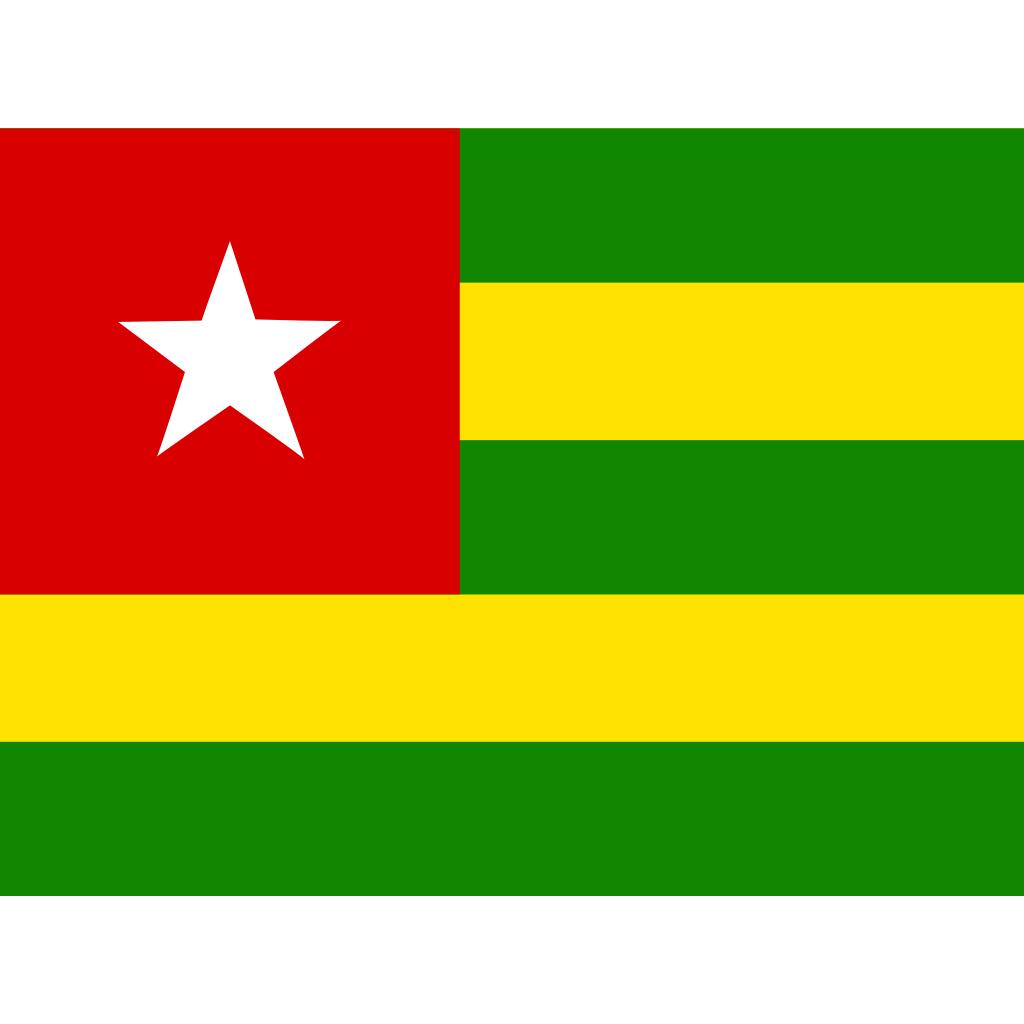
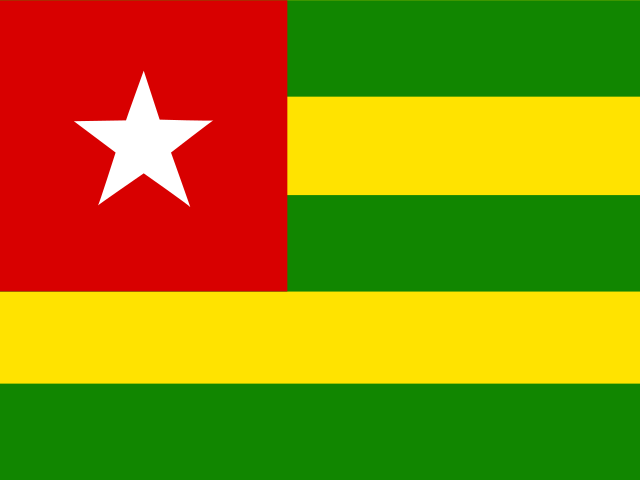
Official Togo (多哥) vector logo in the Countries & Regions category. Download lossless SVG and a 1024px transparent PNG.
 ADChatGPT Plus·Official Shared & Dedicated Plans · Instant Access to GPT-6.1 Sol / Deep Research
 ADNetflix 4K·Dedicated Profile · Private PIN Lock · All Devices Supported
Recolor, add a background or padding, then export. Everything runs locally in your browser.
SVG, PNG 16–2048px, JPG, WebP, ICO and a favicon setTogo.zip
Database-extracted geometry, color models & WCAG contrast metrics
<svg xmlns="http://www.w3.org/2000/svg" id="flag-icons-tg" viewBox="0 0 640 480">
  <defs>
    <clipPath id="tg-a">
      <path fill-opacity=".7" d="M0 0h682.7v512H0z"/>
    </clipPath>
  </defs>
  <g fill-rule="evenodd" clip-path="url(#tg-a)" transform="scale(.9375)">
    <path fill="#ffe300" d="M0 0h767.6v512H0z"/>
    <path fill="#118600" d="M0 208.1h767.6V311H0zM0 .2h767.6v102.9H0z"/>
    <path fill="#d80000" d="M0 .3h306.5v310.6H0z"/>
    <path fill="#fff" d="M134.4 128.4c0-.8 18.9-53 18.9-53l17 52.2s57.4 1.7 57.4.8-45.3 34.3-45.3 34.3 21.4 60 20.5 58.2-49.6-36-49.6-36-49.7 34.3-48.8 34.3c.8 0 18.8-56.5 18.8-56.5l-44.5-33.4z"/>
    <path fill="#118600" d="M0 409.2h767.6V512H0z"/>
  </g>
</svg>